AI design tools for beginners are transforming how new creators approach graphic design in 2026.
Graphic design used to have a steep price of entry — expensive software licences, years of practice, and a solid grasp of typography, colour theory, and layout. AI design tools have dismantled almost every one of those barriers.
Today’s AI-powered design platforms let complete beginners generate logos, social media graphics, product mockups, and brand assets in minutes. You describe what you want, the AI produces a starting point, and you refine it. No prior design experience required.
What makes AI graphic design tools especially valuable for beginners is that they handle the technical complexity automatically. Colour palette generation, background removal, image upscaling, and smart resizing are now one-click operations.
This guide covers 11 of the best AI tools for beginner graphic designers in 2026 — what each one does, why it’s beginner-friendly, and how you can use it to start creating professional visuals right away.
Why AI Design Tools for Beginners Are Transforming Graphic Design
AI is fundamentally lowering the barrier to entry for graphic design. Tools that once required years of training to use effectively are now accessible to anyone with an internet connection and an idea.
How AI simplifies the design process
Traditional graphic design software demands that users manually control every element — layers, kerning, bezier curves, colour stops. AI design tools flip this model entirely.
Instead of building a design from scratch, you describe what you need — a logo for a coffee shop, a banner for a product launch, a social post for an event — and the AI generates a polished starting point automatically.
Layouts, colour combinations, and visual concepts that would take an experienced designer hours can be produced in seconds.
Common design tasks AI tools can automate
AI-powered design tools can handle a wide range of tasks that previously required specialist software or skills:
- Logo creation and brand identity generation
- Social media graphic design and resizing for multiple platforms
- Background removal from product photos and portraits
- Colour palette generation from a single brand colour or image
- AI image generation from text descriptions
- Automatic layout suggestions and template population
- Image upscaling and quality enhancement
Why beginners benefit from AI-powered design tools
For beginners, the biggest obstacle in design has always been the gap between what they can imagine and what they can execute. AI tools close that gap dramatically.
Instead of spending weeks learning Photoshop or Illustrator before producing anything useful, a beginner can open an AI design tool and create something professional-looking within the first hour.
The AI handles execution — the beginner provides direction and creative input.
What Makes a Good AI Design Tool for Beginners
Not every AI design tool is built with beginners in mind. The best options share a common set of qualities that make them accessible, affordable, and genuinely useful from day one.
Simple and intuitive interface
The best AI design tools for beginners use drag-and-drop interfaces that feel immediately familiar, even to people who have never used design software before.
Look for tools with clean dashboards, clearly labelled controls, and guided workflows that walk you through the design process step by step rather than presenting an overwhelming blank canvas.
Free plans and affordable pricing
Many of the best AI design tools for beginners offer generous free tiers that provide meaningful functionality without a credit card. Beginners need room to experiment before committing to a subscription.
When evaluating paid plans, look for:
- Monthly plans under $20 for entry-level tiers
- No watermarks on exports, even on free plans
- Reasonable credit or generation limits for AI features
- Free access to core templates and assets
Templates and ready-made assets
Templates are the beginner’s greatest asset. A well-designed template handles the hardest design decisions — layout, hierarchy, colour scheme, font pairing — before you even start.
The best AI design platforms offer thousands of templates across every format: social media posts, logos, presentations, email headers, and more. Starting from a template lets beginners produce professional results immediately while learning design principles as they go.
Image generation and editing automation
The most powerful beginner-friendly AI design tools combine image generation with smart editing features. Look for platforms that offer:
- Text-to-image generation for creating original visuals
- One-click background removal
- Smart crop and resize for different platforms
- AI-powered image enhancement and upscaling
11 Best AI Tools for Beginner Graphic Designers
The following AI graphic design tools represent the best options available to beginners in 2026. Each has been chosen for its accessibility, AI capabilities, and ability to deliver professional results without requiring design expertise.
1. Canva AI
Canva is the most widely used AI design tool for beginners, and for good reason. Its drag-and-drop interface, massive template library, and expanding AI feature set make it the natural starting point for anyone new to graphic design.
Canva’s AI features include Magic Design (which generates complete design layouts from a text prompt), Magic Edit (which edits images using natural language instructions), background removal, and text-to-image generation.
Its free plan is generous, and the Pro plan unlocks the full AI toolkit at an affordable monthly price.
2. Adobe Firefly
Adobe Firefly is Adobe’s generative AI platform, designed to be used as a standalone tool and integrated within Photoshop and Illustrator. For beginners, the standalone web app is the easiest entry point.
Firefly’s standout feature is its text-to-image generation, which produces high-quality, commercially safe images from descriptive prompts. It also offers Generative Fill — the ability to add, remove, or replace elements in images using text instructions.
Firefly is available for free with a limited number of monthly credits.
3. Midjourney
Midjourney produces some of the most visually stunning AI-generated images available in 2026. It operates through a Discord server interface where users type prompts and receive results within seconds.
While the Discord-based workflow has a slight learning curve, the quality of results is exceptional. Midjourney is particularly valuable for beginners who need high-quality concept art, illustration-style graphics, or unique visual assets that would be impossible to source from stock libraries.
4. DALL·E
DALL·E, developed by OpenAI, is one of the most accessible AI image generation tools for beginners. Available through ChatGPT and the OpenAI API, it generates images from natural language descriptions and supports in-painting to edit specific areas of an existing image.
DALL·E is particularly beginner-friendly because it responds well to plain, conversational prompts — you don’t need to learn a specialised prompt syntax to get good results.
5. Leonardo AI
Leonardo AI is a powerful AI image generation platform that offers more control and customisation than many competing tools. Beginners can use its preset styles and models to generate consistent visual assets across multiple images — essential for building a coherent visual brand.
Key features include image generation with style control, AI canvas for editing, and a real-time generation mode. Leonardo AI offers a generous free tier with daily generation credits.
6. Looka
Looka is an AI-powered logo and brand identity generator designed for small businesses, startups, and creators who need a professional brand identity without hiring a designer.
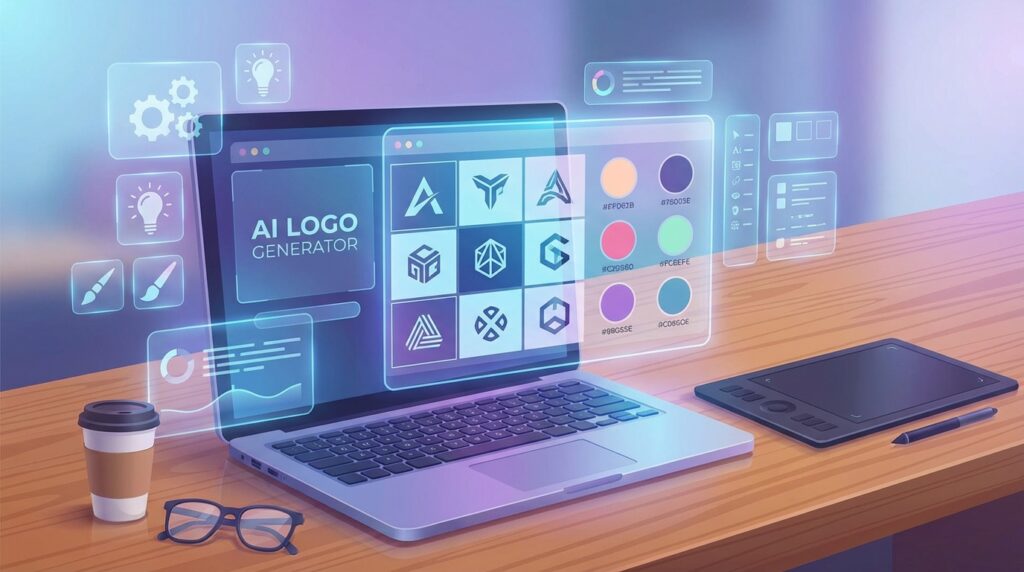
Enter your business name, choose your industry and style preferences, and Looka’s AI generates dozens of logo options instantly. It also generates a complete brand kit — business cards, social media profiles, email signatures — all automatically styled to match your logo.
7. Designs.ai
Designs.ai is an all-in-one AI creative platform that covers logo design, video creation, social media graphics, and mockups in a single subscription. For beginners who need to produce multiple types of creative content, it reduces the need to juggle several different tools.
Its Logomaker, Graphicmaker, and Videomaker tools are all driven by AI and require no design experience. The platform also includes a colour matcher and font pairing tool, useful for beginners building a consistent visual identity from scratch.
8. Khroma
Khroma is an AI colour palette tool that learns your personal colour preferences and generates infinite colour combinations tailored to your taste. For beginners, choosing the right colour palette is one of the most intimidating parts of design — Khroma makes it effortless.
After selecting colours you like, Khroma generates palettes, typography combinations, and gradient options you can browse, save, and export. It’s free to use and pairs perfectly with any other design tool in this list.
9. Remove.bg
Remove.bg is a single-purpose AI tool that does one thing exceptionally well: it removes the background from any image in seconds. Upload a photo and the AI instantly isolates the subject, delivering a clean PNG with a transparent background.
For beginners creating product photos, profile pictures, or social media graphics, background removal is a constant need. Remove.bg offers a free plan for low-resolution exports and affordable paid credits for high-resolution downloads.
10. Uizard
Uizard is an AI-powered design tool built for creating user interfaces, app wireframes, and website mockups without any design or coding skills. For beginners who want to visualise a product idea or landing page, Uizard dramatically reduces the time from idea to visual.
Its Screenshot to Design feature converts a screenshot of any website into an editable mockup. Its AI generation feature creates complete UI layouts from a text description.
11. Clipdrop
Clipdrop is a suite of AI image editing tools developed by Stability AI. It bundles background removal, image upscaling, relighting, and Stable Diffusion-powered image generation into a single accessible platform.
For beginners, Clipdrop’s most useful features are its cleanup tool (which removes unwanted objects by painting over them) and its background replacement tool. It offers a free plan with access to most core features and a Pro plan for unlimited usage.
How Beginners Can Start Designing with AI Tools
Many beginners start experimenting with AI design tools for beginners by creating simple social media graphics or logo concepts before moving on to more complex projects.
Having the right tools is only the starting point. Understanding how to use them in practical workflows is what allows beginners to produce real results quickly. Here are four key areas where AI design tools deliver the biggest impact.
Creating social media graphics with AI
Social media requires a constant stream of fresh visuals in multiple formats — square posts, vertical stories, horizontal banners. Managing this manually is time-consuming even for experienced designers.
Many creators combine design tools with video production platforms such as AI tools for beginner video creators.
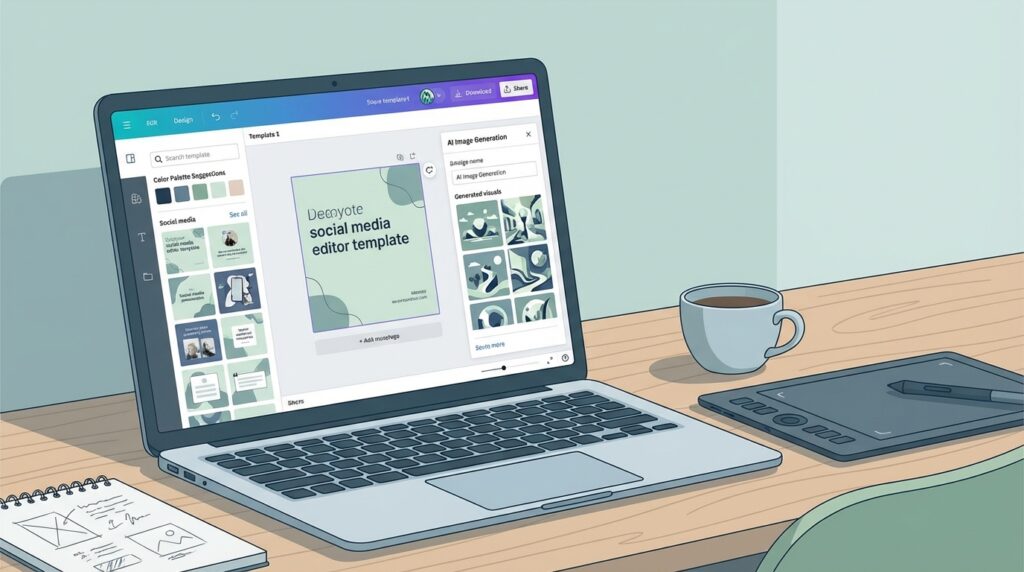
The fastest beginner workflow is to start in Canva, choose a template for your platform and format, then use Magic Design or the AI image generator to customise the visual. Canva’s resize feature automatically adapts your design to every platform format from a single source file.
Generating logos and brand assets
For beginners building a brand from scratch, Looka or Designs.ai provide the simplest path to a complete brand identity. Both tools generate logo options, colour palettes, and font pairings automatically based on your industry and style preferences.
Once you have a logo, export it in multiple formats (PNG, SVG, PDF) and use it as the foundation for all your other design work. Consistency across brand assets builds trust and looks more professional than mixing different styles.
Using templates to design faster
Templates are the single most effective shortcut available to beginner designers. Rather than building from scratch, start with a professionally designed template and customise it with your own content, colours, and branding.
Canva and Designs.ai both offer extensive template libraries organised by industry, format, and style. Browse templates in your category, select one that matches your vision, and replace the placeholder content with your own.
Editing and improving images with AI
Raw photos rarely look their best without at least basic editing. AI tools make image enhancement fast and automatic. A simple beginner editing workflow:
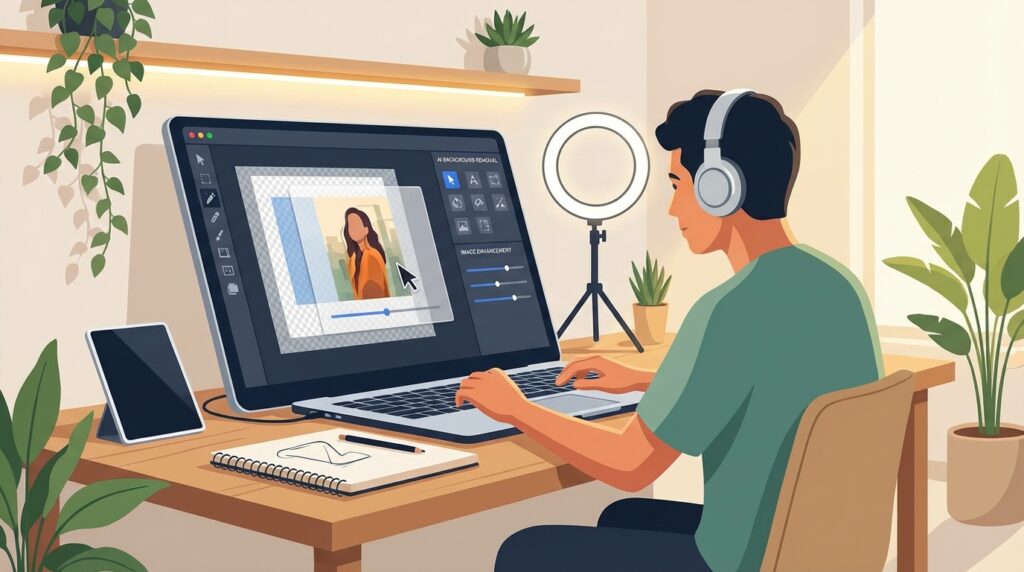
- Use Remove.bg to isolate the subject from the background
- Use Clipdrop’s upscaler to increase image resolution
- Use Adobe Firefly’s Generative Fill to remove unwanted objects
- Use Canva’s photo enhancer to sharpen and balance the image
This four-step workflow transforms a mediocre photo into a polished, professional visual in under ten minutes.
If you create content across multiple formats, AI tools can power your entire creative workflow. Many designers also produce video content alongside their graphics — for a full breakdown of the best platforms for that, see our guide to AI tools for beginner video creators, which covers the leading tools for editing, captioning, and publishing video content in 2026.
Tips for Beginners Using AI Design Tools
Using AI design tools effectively is a skill in itself. These practical strategies will help beginners get better results faster and develop their design instincts more quickly.
Start with simple projects
Resist the urge to begin with a complex multi-page brand identity or a detailed illustration. Start with a single social media post, a simple business card, or a basic logo concept.
Simple projects let you learn how each tool works without the pressure of a high-stakes output. As you complete more, you’ll build an intuition for what the tools can do — and what they can’t.
Learn prompt writing for AI image tools
For AI image generation tools like Midjourney, DALL·E, Firefly, and Leonardo AI, the quality of your output is directly tied to the quality of your prompt. Vague prompts produce generic results. Specific, descriptive prompts produce distinctive, usable visuals.
A few prompt writing principles that consistently improve results:
- Describe the subject, style, mood, and composition separately
- Reference art styles or photographers whose aesthetic you want to match
- Specify the format: “wide banner”, “square portrait”, “minimalist icon”
- Include lighting details: “soft studio lighting”, “golden hour”, “high contrast”
Combine multiple AI tools in a workflow
The most effective beginner designers don’t rely on a single tool — they combine several to cover different parts of the design process. A practical example:
- Use Midjourney or Leonardo AI to generate a unique background image
- Use Remove.bg to isolate a product photo
- Combine both in Canva using a template layout
- Use Khroma to select a complementary colour palette
- Export finished designs in the correct format for each platform
Each tool handles what it does best. Together, they replace what would previously have required several expensive software licences and months of learning.
Frequently Asked Questions
Here are answers to the most common questions beginners have about AI design tools for beginners.
What are the best AI tools for beginner graphic designers?
The best starting point depends on your immediate goal. For general design and social media graphics, Canva AI is the most accessible all-in-one option. For logo and brand identity creation, Looka delivers professional results quickly.
For AI image generation, DALL·E and Firefly are the most beginner-friendly. For background removal and image editing, Remove.bg and Clipdrop are both excellent free options.
Are there free AI graphic design tools?
Yes — many of the best AI design tools for beginners offer free plans with meaningful functionality:
- Canva — free plan with thousands of templates and basic AI features
- Adobe Firefly — free with monthly generation credits
- Leonardo AI — free tier with daily image generation credits
- Remove.bg — free for low-resolution background removal
- Khroma — completely free colour palette generator
- Clipdrop — free access to most core tools
Can AI generate logos and images automatically?
Yes. Tools like Looka and Designs.ai generate complete logo options and brand kits automatically based on your inputs. AI image generation tools like Midjourney, DALL·E, and Firefly produce original images from text descriptions.
While AI designs benefit from human review and refinement, the quality of AI-generated logos and images in 2026 is high enough that beginners can use them as finished assets with minimal additional editing.
Which AI design tool is easiest for beginners?
Many AI design tools for beginners are designed with simple drag-and-drop interfaces, which makes them accessible even for users with no design background.
Canva AI is widely considered the easiest AI design tool for beginners. Its drag-and-drop interface, extensive template library, and guided AI features require no prior design knowledge.
For beginners focused specifically on logo creation, Looka is the simplest option — the entire process is guided, and a complete brand kit can be produced in under ten minutes.
Choosing the Right AI Design Tool to Get Started
AI has made professional-quality graphic design accessible to anyone with an idea and an internet connection. In 2026, a beginner with no design background can produce logos, social media graphics, and brand assets that would previously have required a professional designer or years of software training.
The key is to start with a tool that matches your immediate need. For social media and general design, begin with Canva. For logo and brand identity, try Looka. For AI image generation, start with DALL·E or Firefly. For image editing and cleanup, use Remove.bg and Clipdrop.
As your confidence grows, layer in more advanced tools. Combine Midjourney’s image quality with Canva’s layout flexibility. Use Khroma to build colour palettes and Uizard to visualise product concepts.
The most important step is to open one of the AI design tools for beginners in this guide and start creating. You’ll learn more from your first ten designs than from any tutorial. AI handles the technical complexity. Your job is to bring the ideas.